You will use the phone icon in the top right corner to expand and collapse the phone bar.
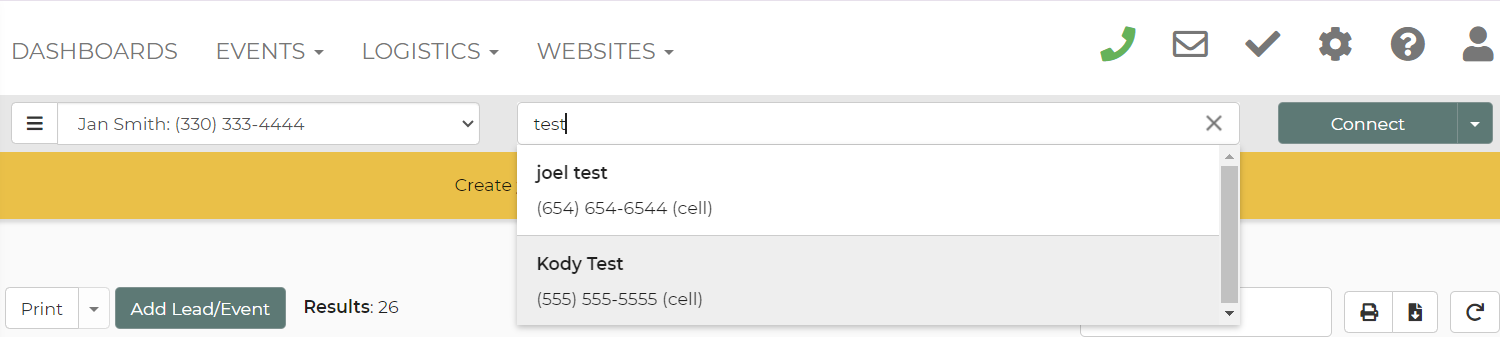
 You can search the number field for a number or name to return results. The selected number in the phone bar will, in some cases where it makes sense, update when navigating to a lead or call/text log page even if it's already populated.
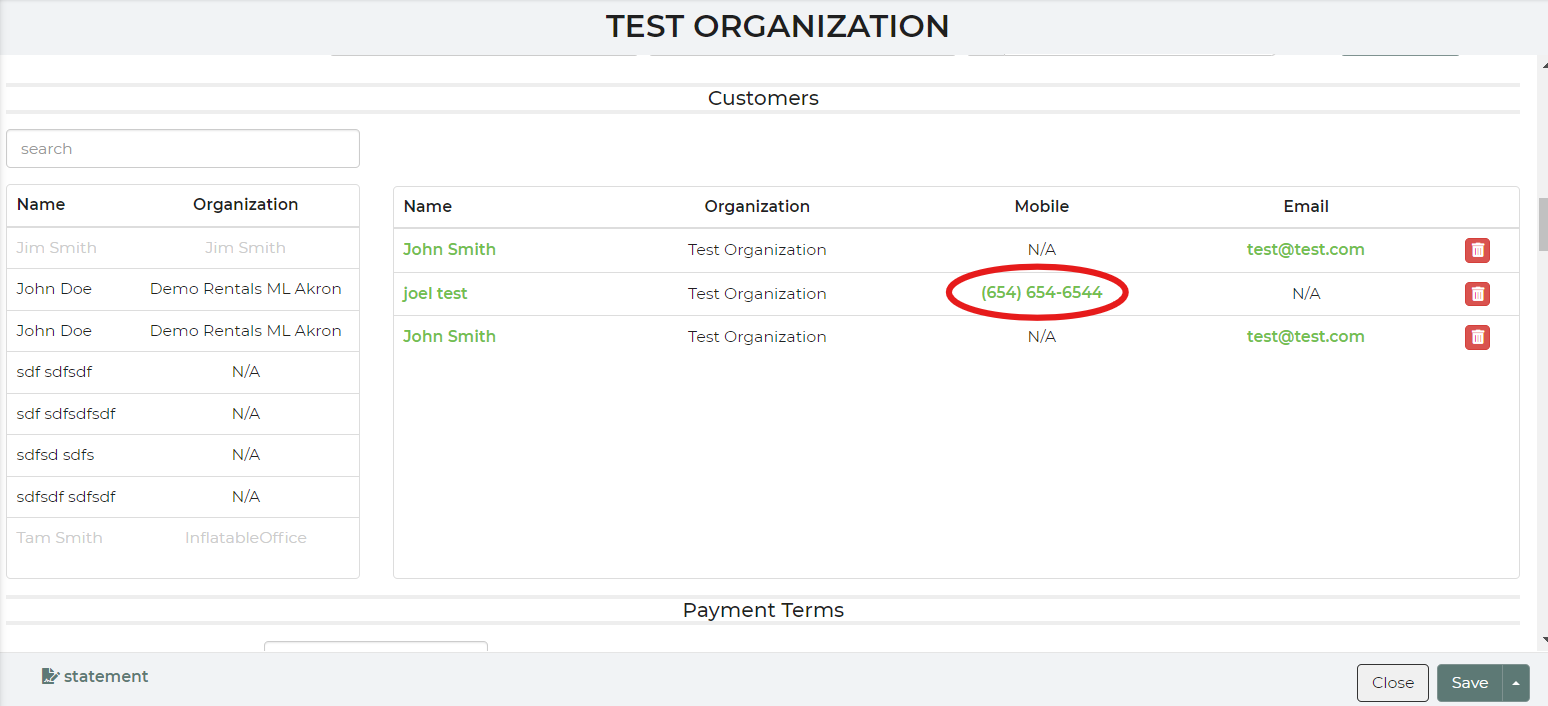
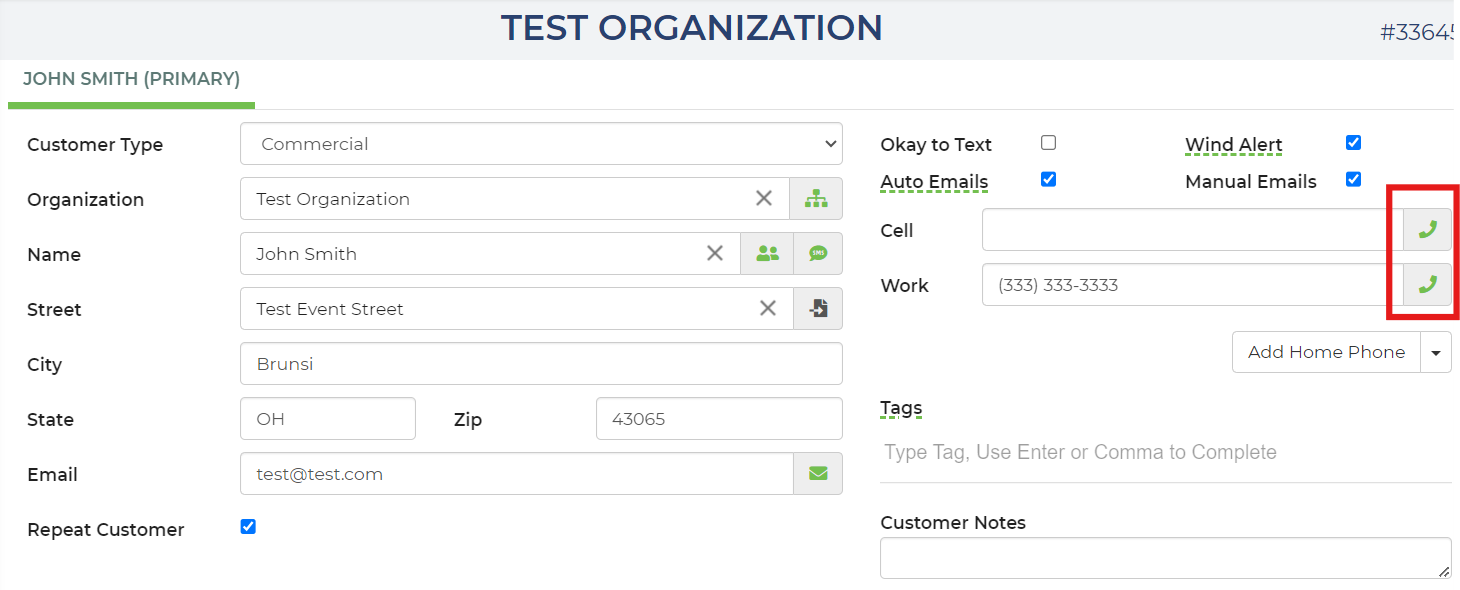
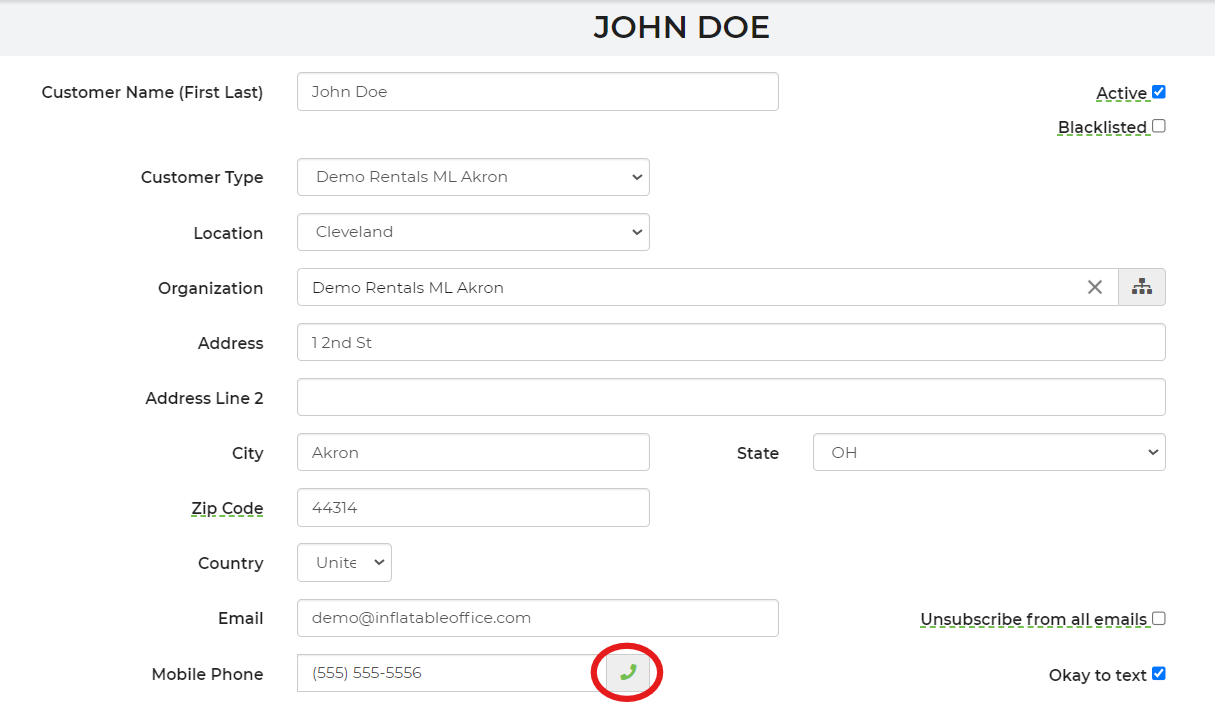
 You can also fill the number on the phone bar from a lead, customer profile, or organization by clicking the green phone icon next to the phone number. If there are multiple phone numbers, select the correct number in which you are trying to contact the customer at.
Lead View:
Customer Profile View:
Organization View: