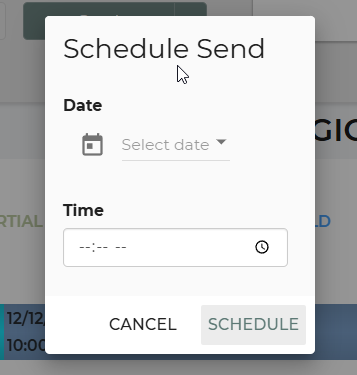
For scheduling emails for future delivery, follow these steps below.
1. Go into the Lead/Event of the customer you would like to schedule an email for.
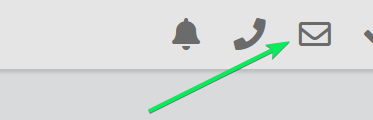
2. Click on the 'Mail' icon
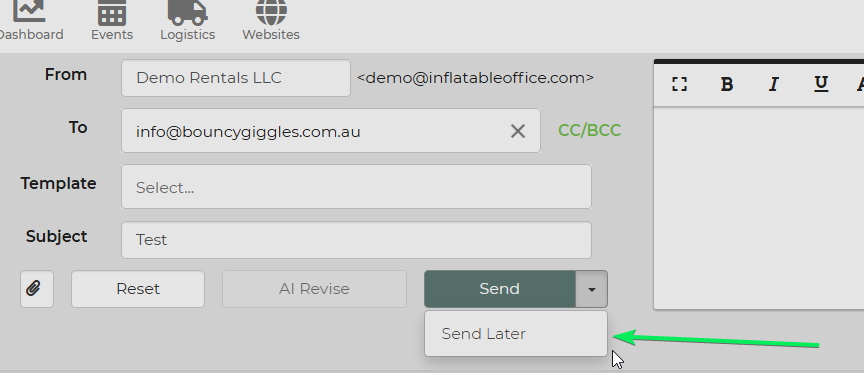
3. Once you have the email you would like to schedule to send out, click the drop down arrow next to send.
4. Select 'Send Later'
5. Schedule a date and time.