


Overview
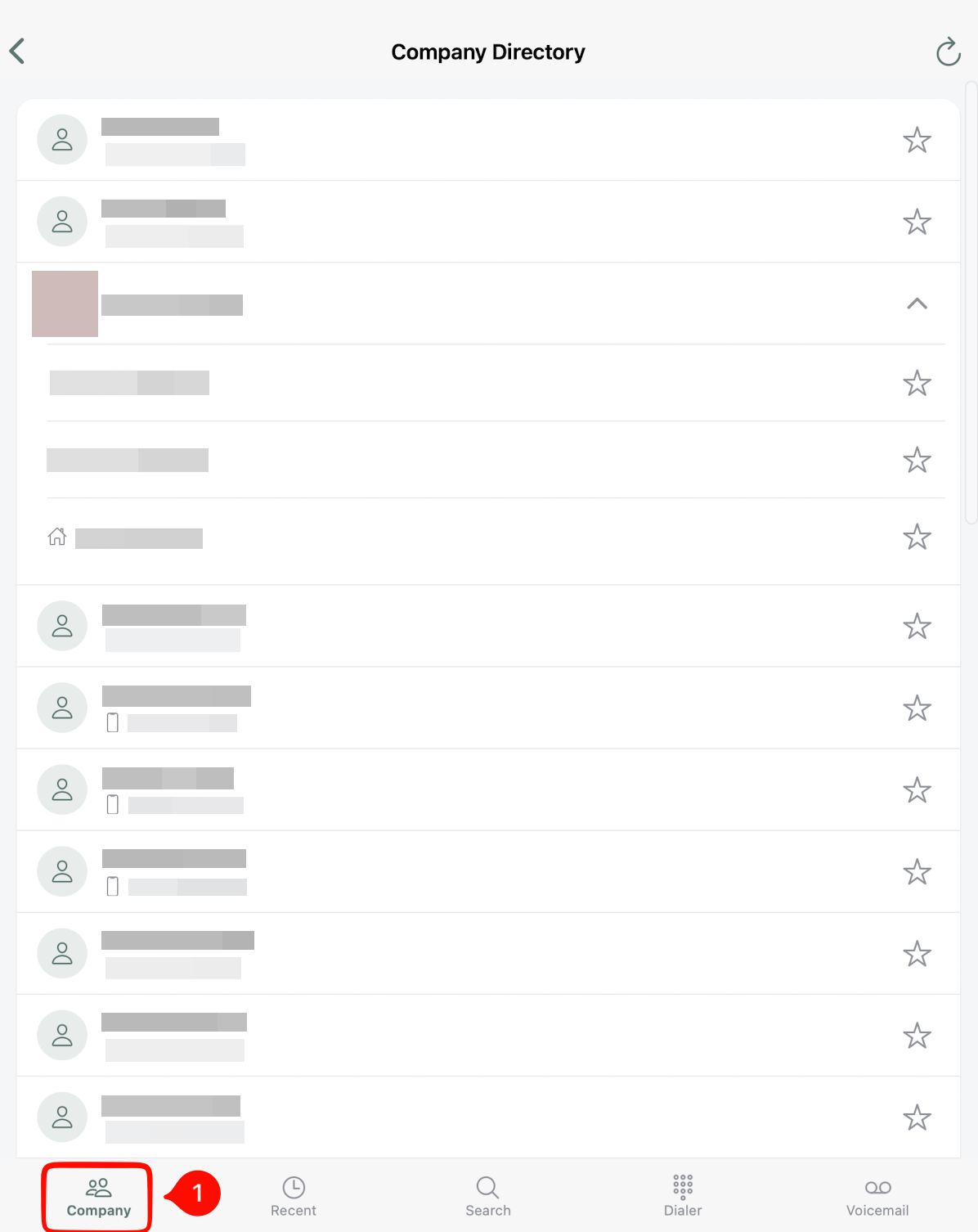
The Workers App features a dedicated Company Tab within the Phone screen. This tab acts as an internal company address book, making it quick and easy to find, contact, and favorite your active team members directly from your mobile device using the built-in IO phone dialer.
***Please note: You must have IO Phone for this feature to work.
Accessing the Company Tab
- Open the Workers App on your device.
- Navigate to the Phone screen from the bottom navigation.
- Tap the Company tab located on the far left of the phone screen tabs.
Viewing and Calling Team Members
All active workers in your company are listed in alphabetical order by default (unless marked as a favorite).
- Locate the team member you want to reach.
- Tap the worker’s name to expand their profile and reveal all associated phone numbers (e.g., mobile, office, home, etc).
- Tap the Call icon (📞) at the bottom center of the phone dialer to dial directly through the IO phone dialer.
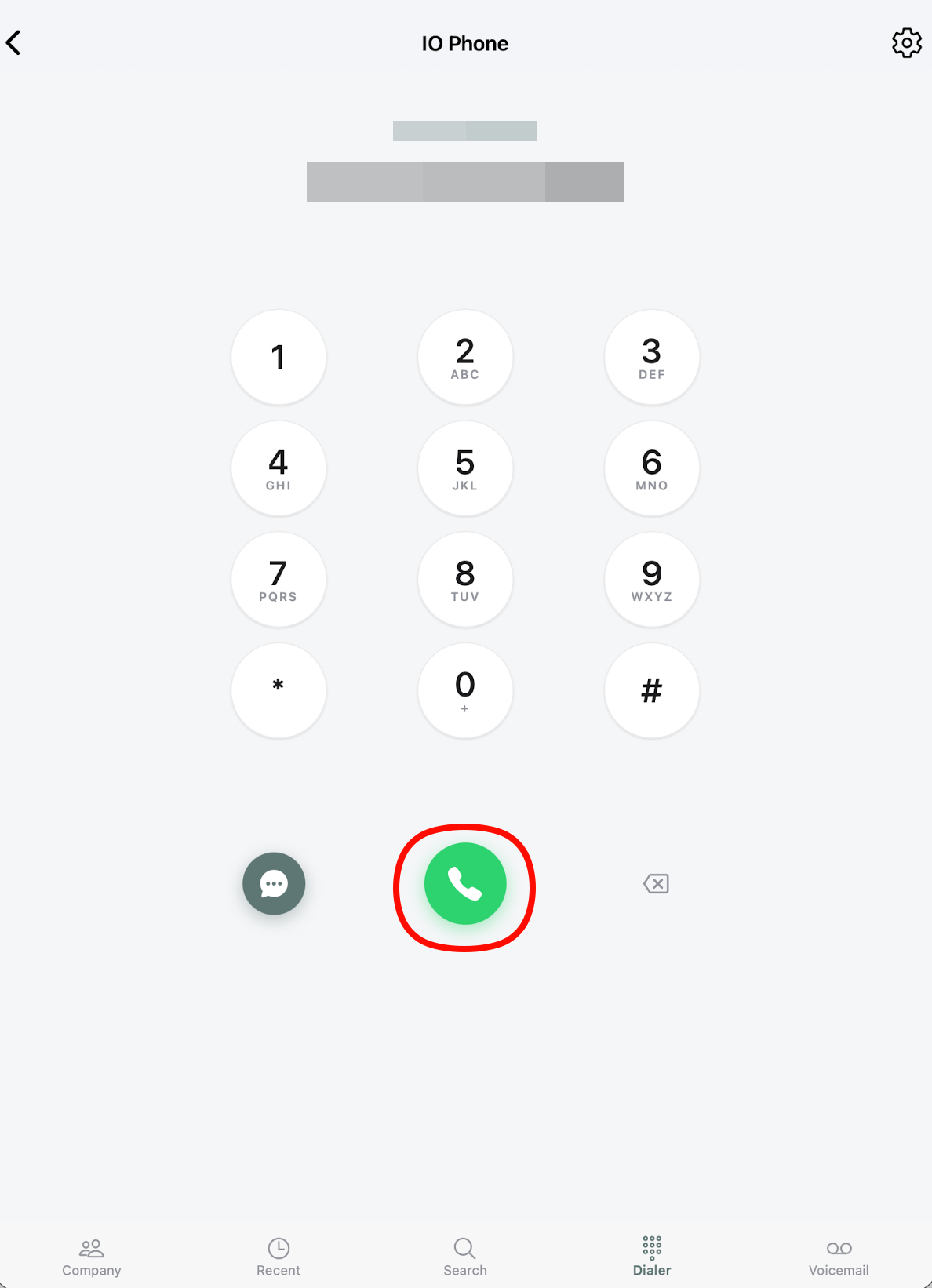
- Call the worker directly.
Favoriting Contacts for Quick Access
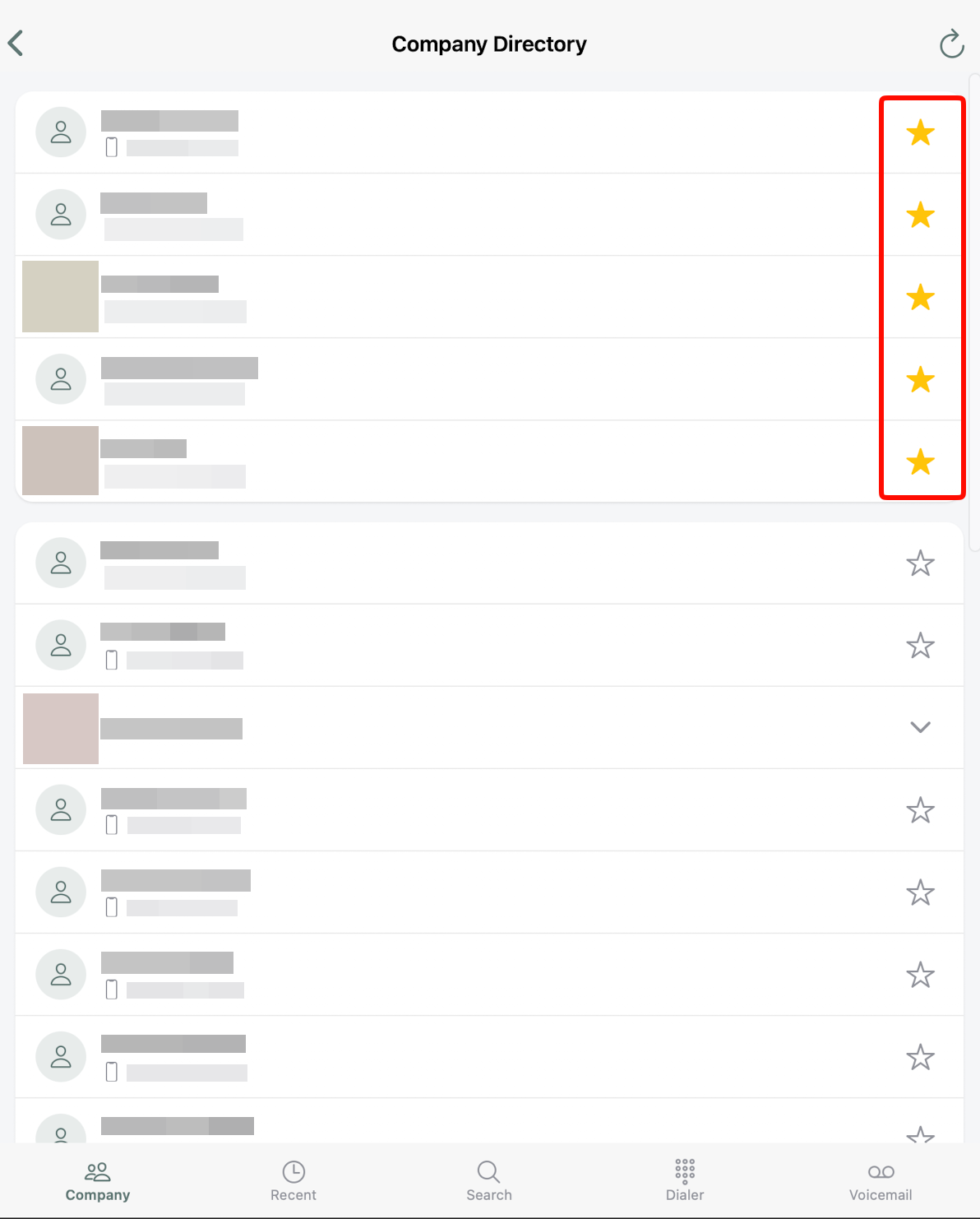
You can star frequently contacted team members to pin them to the very top of your list for fast access.
- To Favorite: Tap the Star icon (⭐) next to a specific phone number.
- Placement: Favorited contacts automatically move to the top section above the alphabetical list.
- To Unfavorite: Tap the highlighted star icon again to remove it from your pinned favorites.
Note: A favorite is tied to a specific phone number for a worker, ensuring you dial the right line instantly. You may have to favorite the most used contact number, but can favorite more than one number for each worker.
Key Highlights & Tips
- Always Up-to-Date: The directory automatically displays all currently active workers in your organization.
- Built-in Dialer: Calls are routed through the existing IO phone system.
- Fast Navigation: If you have a large team, star your most frequent contacts so you don't have to scroll through the alphabetical list.