Worker Access
If you also have the worker's add-on, then you'll be able to configure which worker accounts have access to which location(s). For example, if an account has 10 locations and the worker is only assigned to 2 of them, when they log in, they won't see the other 8 locations data.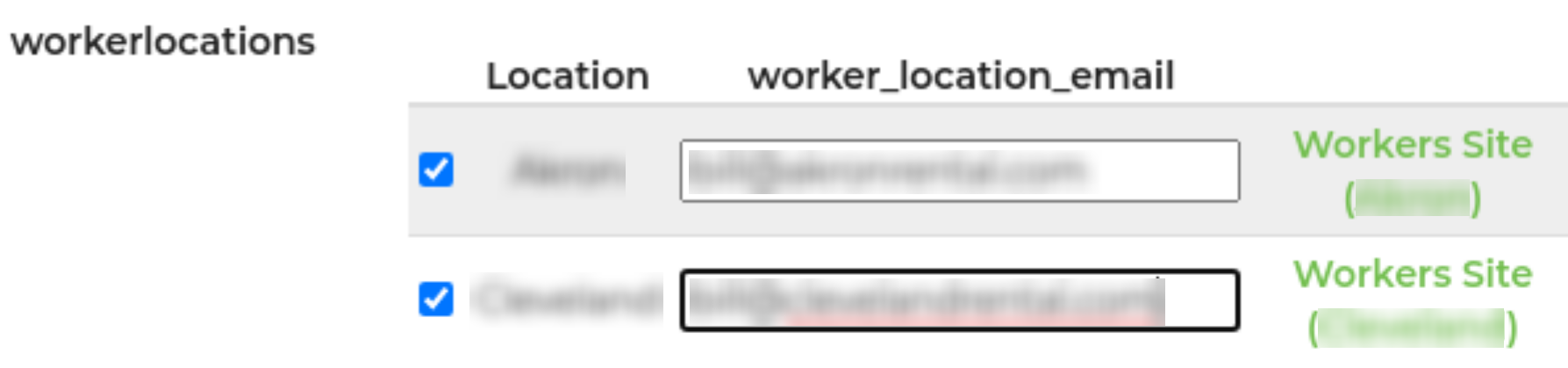
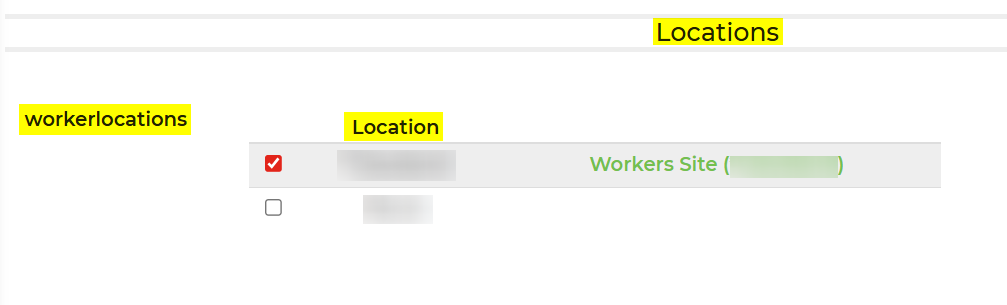
When editing a worker profile, you can assign the location access to each worker, under Settings -> Workers, select the Worker, scroll to the Locations section and assign the Workers to one or more locations.