


You can flag a call, text or voicemail as spam so your team only sees real customer messages. You can do this in two places: the Phone list and the To-Do edit screen.
Mark Spam from the IO Workers App
- Open the Workers App and go to your phone/text list, under Recents, mark "Show All" in the top right to see the log for all recently contacts customers.
- Find the call, text or voicemail you want to flag.
- Slide the entry to the right.
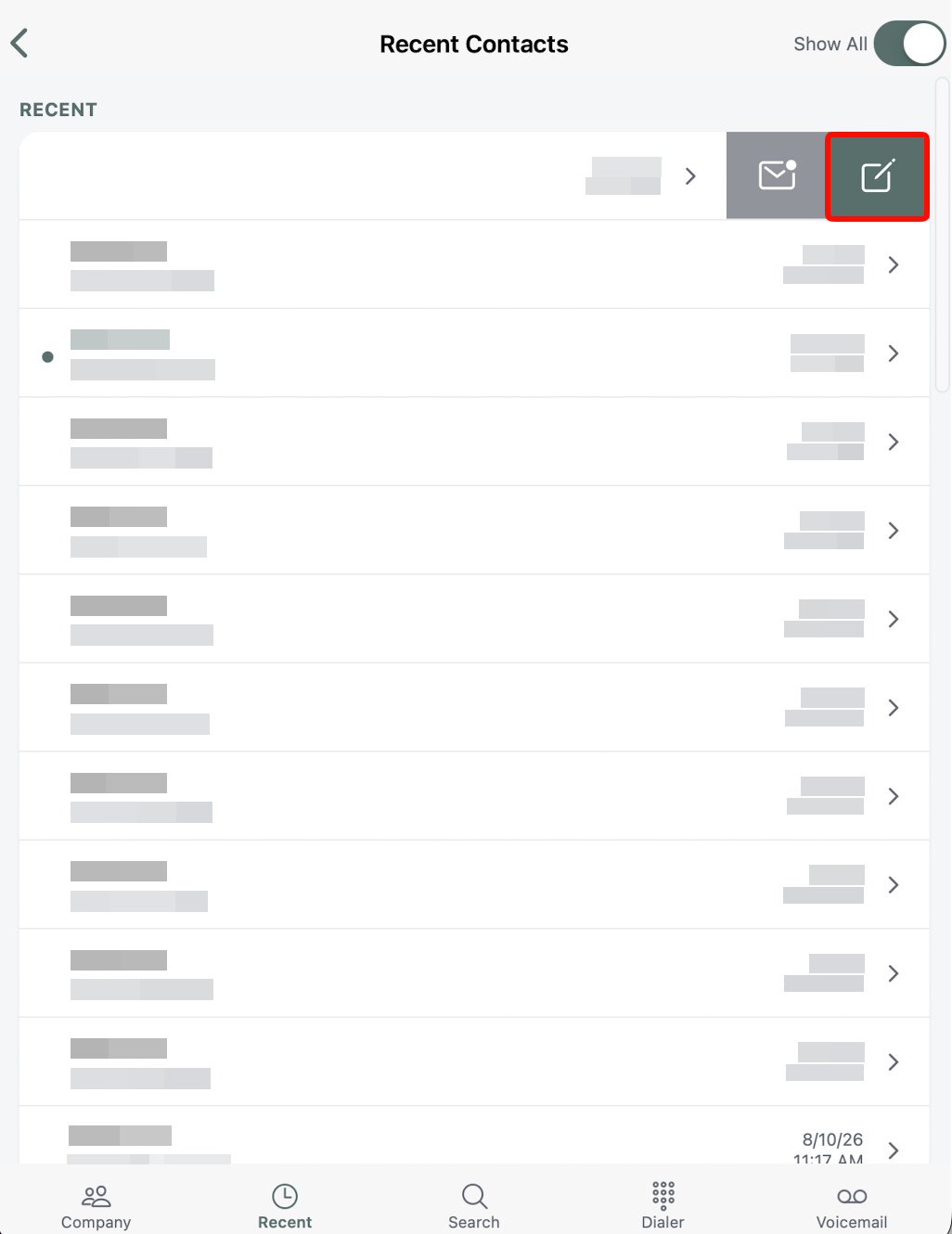
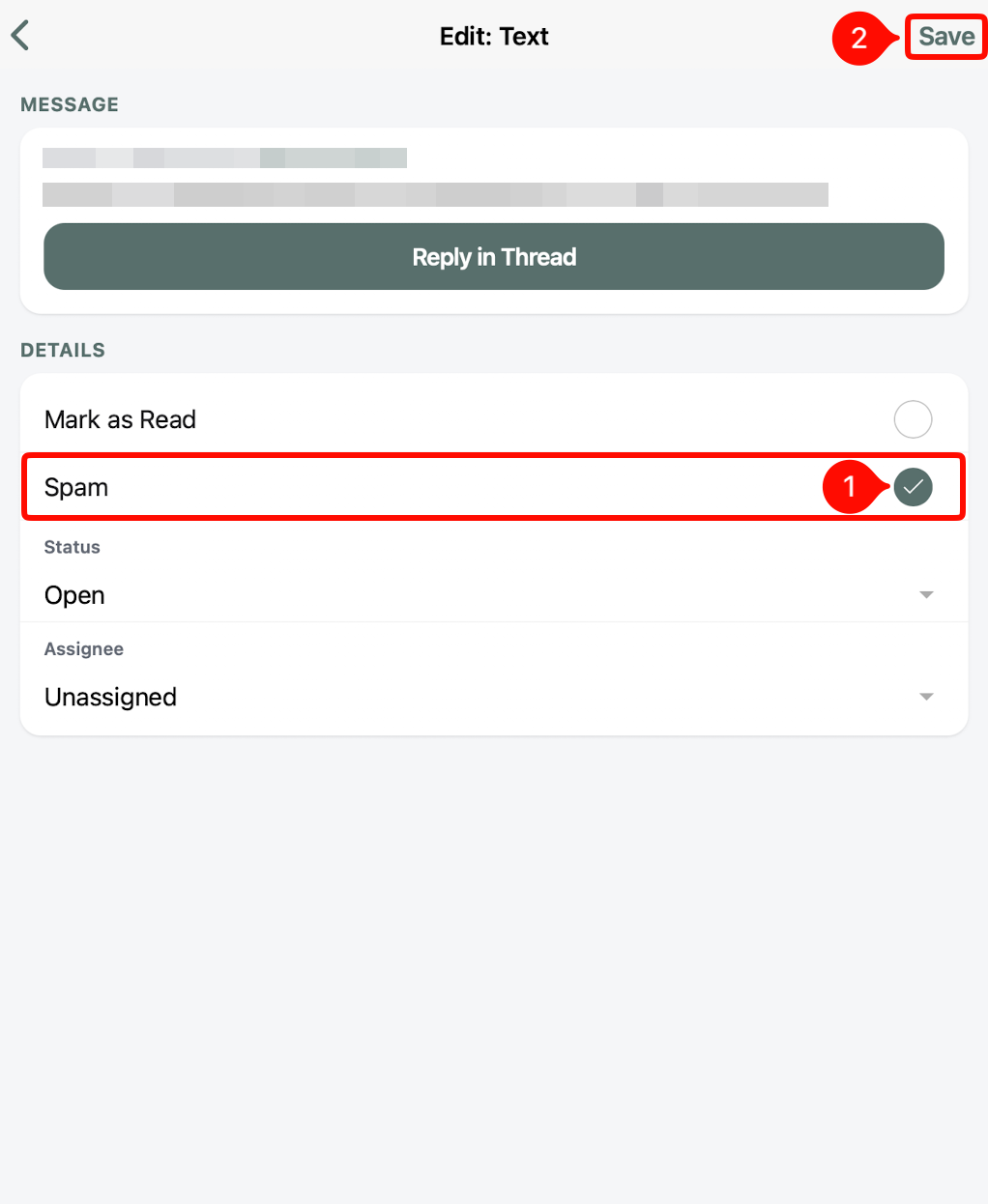
- In the options that open, select the Spam option. From this same menu you can also set the entry's read status, status and assignee.
- Once you marked it as spam, select save in the top right corner.
***Note: You must have IO Phone for this feature.