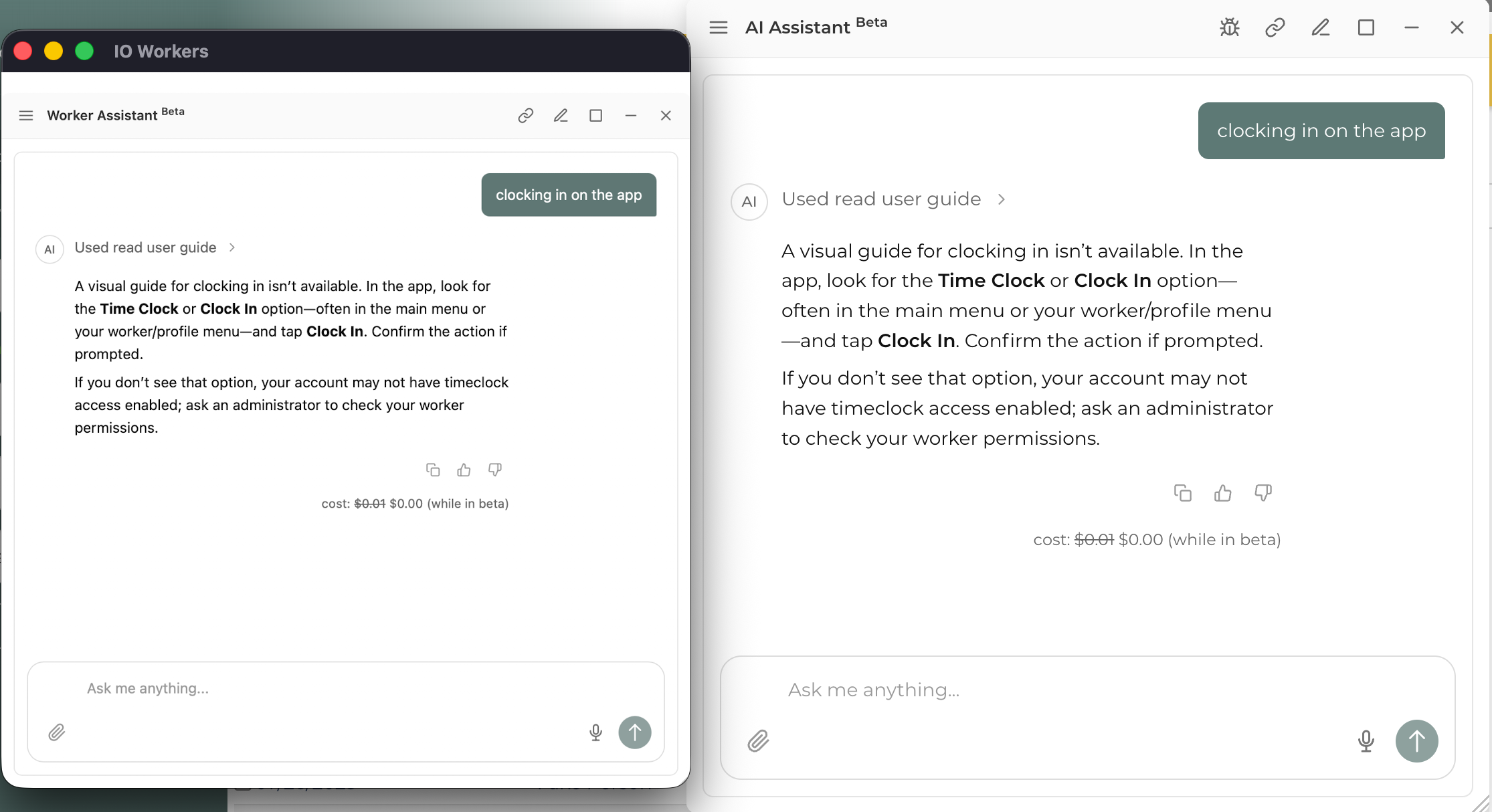
Using the AI Assistant in the Workers App
The Workers App has the AI Assistant built in. Field workers can get help and answers while they're on the job without going back to a desktop. It's the same AI Assistant you already know from the desktop and browser version of InflatableOffice, adapted for the Workers App.
What you can do with the AI Assistant
- Get help in the field: Ask questions and get support right inside the Workers App.
- Pick up where you left off: Your chat history stays in sync between the Workers App and desktop/browser chat. If you start a conversation on your computer, you can continue it on your phone, and the other way around.
- See only what fits your role: The tools the AI Assistant can use in the Workers App are limited by worker permissions. You'll only see actions that apply to field workers.
How to open the AI Assistant
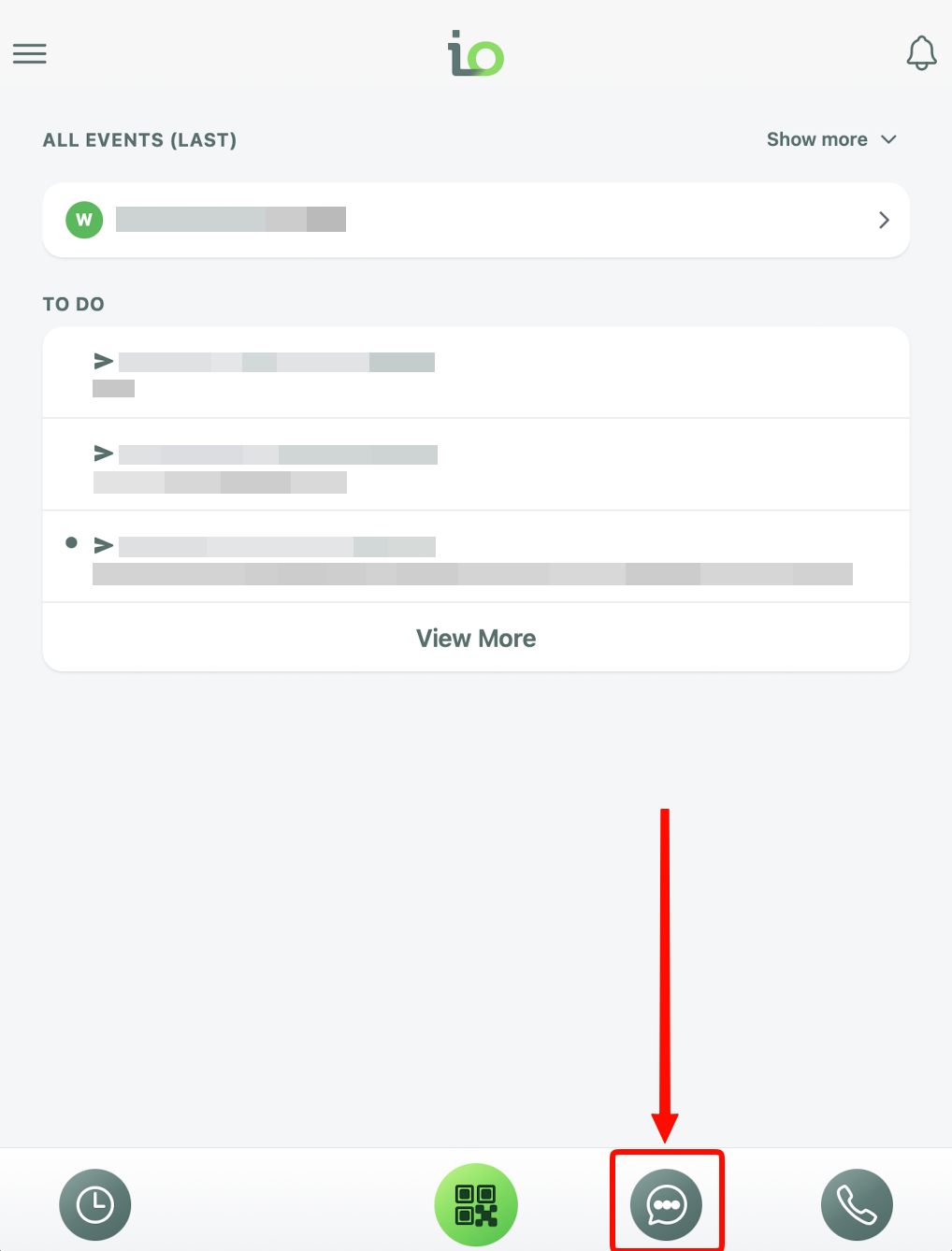
- Open the Workers App.
- Tap the icon at the bottom of the app (💬)
- Type your message in the message box and send it.
Continuing a Conversation from Desktop
- Start a chat in the software on your desktop or in your browser.
- Open the AI Assistant in the Workers App.
- Your earlier conversation will be there, ready to continue.