


WEBSITE
Answered
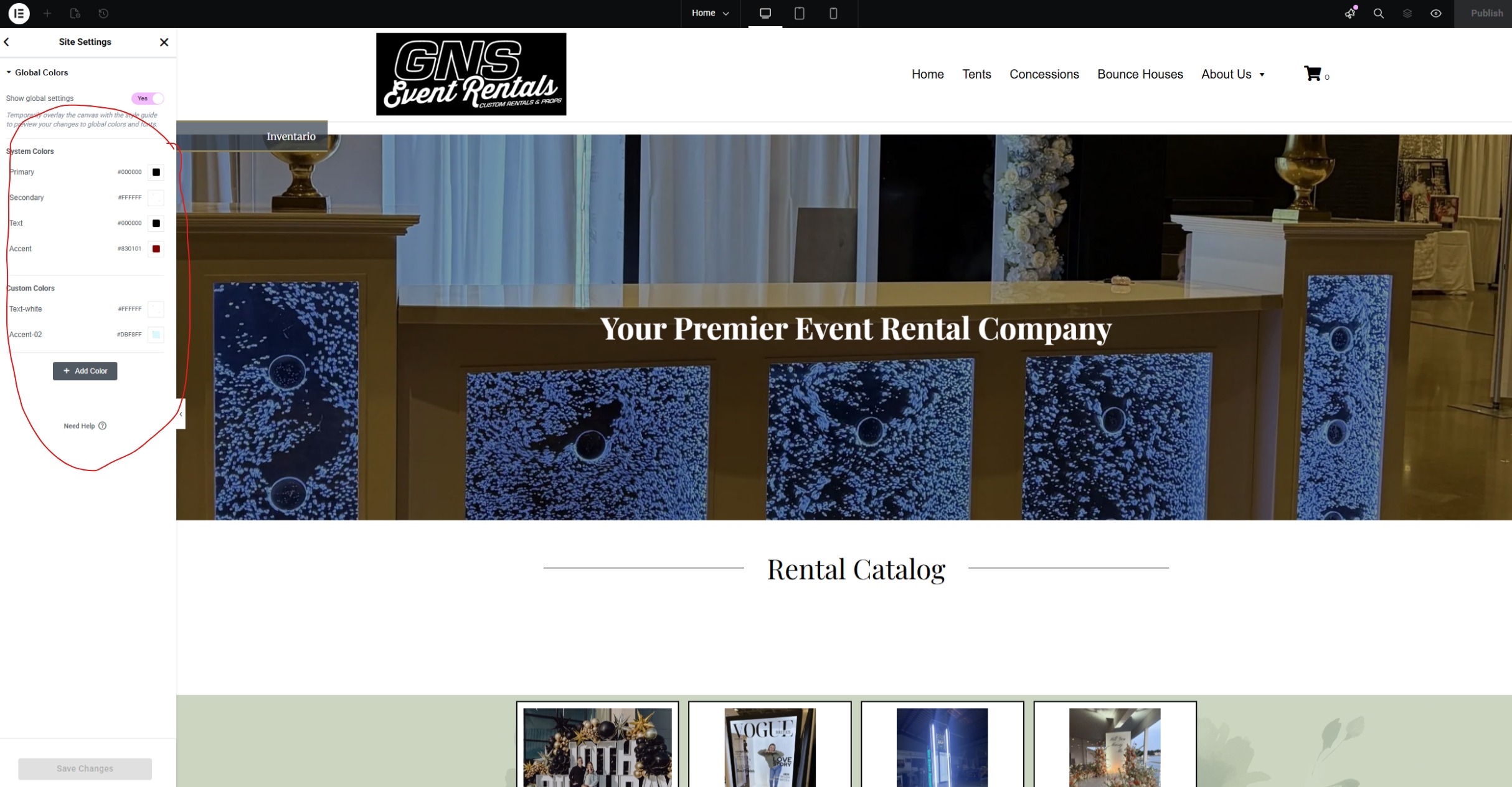
Hello, i have been trying to update my website to a new io theme but having trouble changing some things. I have been trying to change the header and footer words, and also when i try to change some of the global colors they wont change or i cant see the change to see if what im selecting has done anything. Am i on the right track, what am i doing wrong? Thanks!
 The same question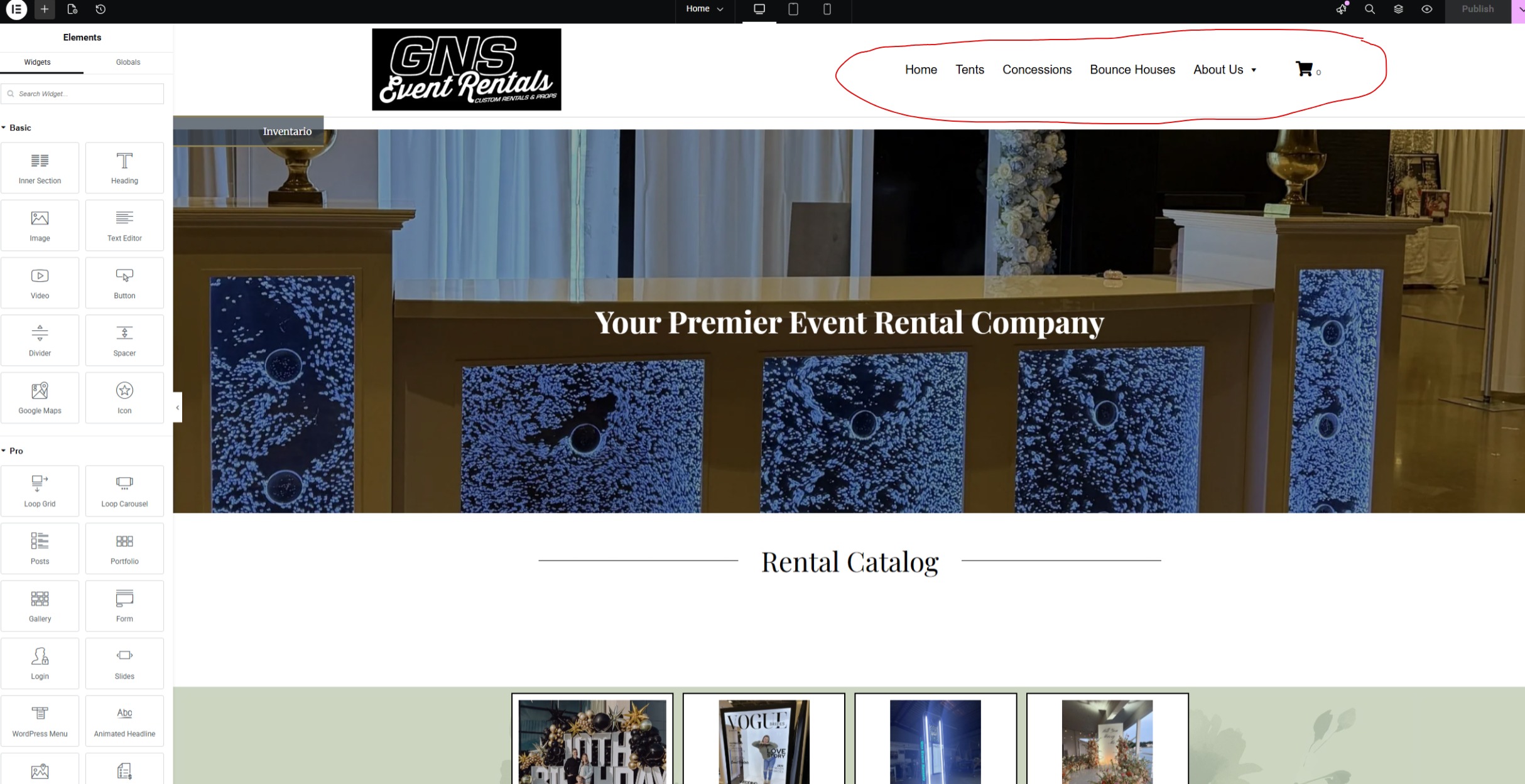
You can't vote. Please authorize!
Hello,
For that menu, you can use our guides on editing it here:
https://rental.software/support/knowledge-base/article/website-customizing-navigation-menu
https://rental.software/support/knowledge-base/article/website-how-to-change-menu-color
If you're not seeing some sections change with the global color, then they may not be using it. In that case, just open the elementor editor, and change them there.
https://rental.software/support/knowledge-base/article/website-getting-started-customizing-your-site
Hello,
For that menu, you can use our guides on editing it here:
https://rental.software/support/knowledge-base/article/website-customizing-navigation-menu
https://rental.software/support/knowledge-base/article/website-how-to-change-menu-color
If you're not seeing some sections change with the global color, then they may not be using it. In that case, just open the elementor editor, and change them there.
https://rental.software/support/knowledge-base/article/website-getting-started-customizing-your-site
When i change the menu to a different style its not saving, i did ctrl F5 but its not saving the theme menu bar
When i change the menu to a different style its not saving, i did ctrl F5 but its not saving the theme menu bar
thank you!
thank you!
when i am ready to go live with this design for my 2 locations, do i just let you all know so that you can switch it from my current sites?
when i am ready to go live with this design for my 2 locations, do i just let you all know so that you can switch it from my current sites?
Yes we are ready to launch our site, the only thing that i was not able to do is add a check box option for our stacking fee, “Do you want your LED Marquee Letters/Numbers stacked?”
I couldn’t figure out how to link our “Frequently Asked Questions” Page to the Mega Menu.
Other than those we are ready to launch.
Yes we are ready to launch our site, the only thing that i was not able to do is add a check box option for our stacking fee, “Do you want your LED Marquee Letters/Numbers stacked?”
I couldn’t figure out how to link our “Frequently Asked Questions” Page to the Mega Menu.
Other than those we are ready to launch.
Replies have been locked on this page!