


Help with connecting additional domains to existing IO website.
Answered
I have purchased domains through blue host and would like them redirected to my existing IO site without creating additional websites. I have read through several articles and its all foreign language to me. Here is what bluehost says about how to redirect when hosted by another provider. Can you assist?
Files:
Screenshot 2025...
 The same question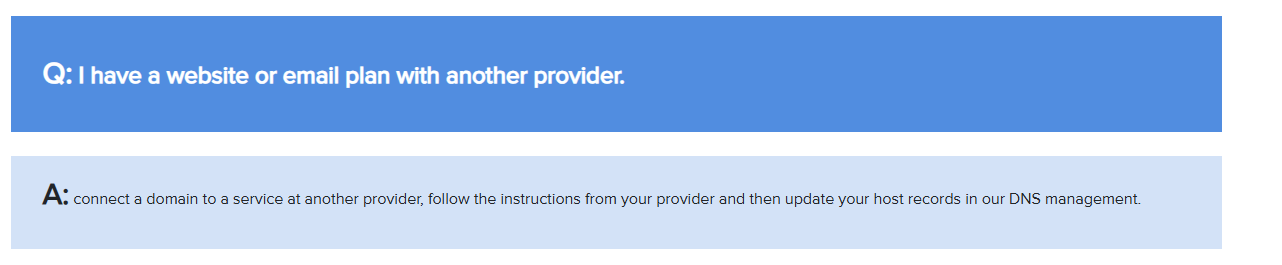
You'll need to update the nameservers for the new domain to ours, then let me know. Also, I'll need to know what the new domain is.
Here's BlueHosts guide on this.
https://www.bluehost.com/help/article/custom-nameservers
Our Nameservers:
wave.rental.software
nap.rental.software
You'll need to update the nameservers for the new domain to ours, then let me know. Also, I'll need to know what the new domain is.
Here's BlueHosts guide on this.
https://www.bluehost.com/help/article/custom-nameservers
Our Nameservers:
wave.rental.software
nap.rental.software
Replies have been locked on this page!