Inventory showing as active but not in category

Terrance A. shared this question 20 months ago
Answered

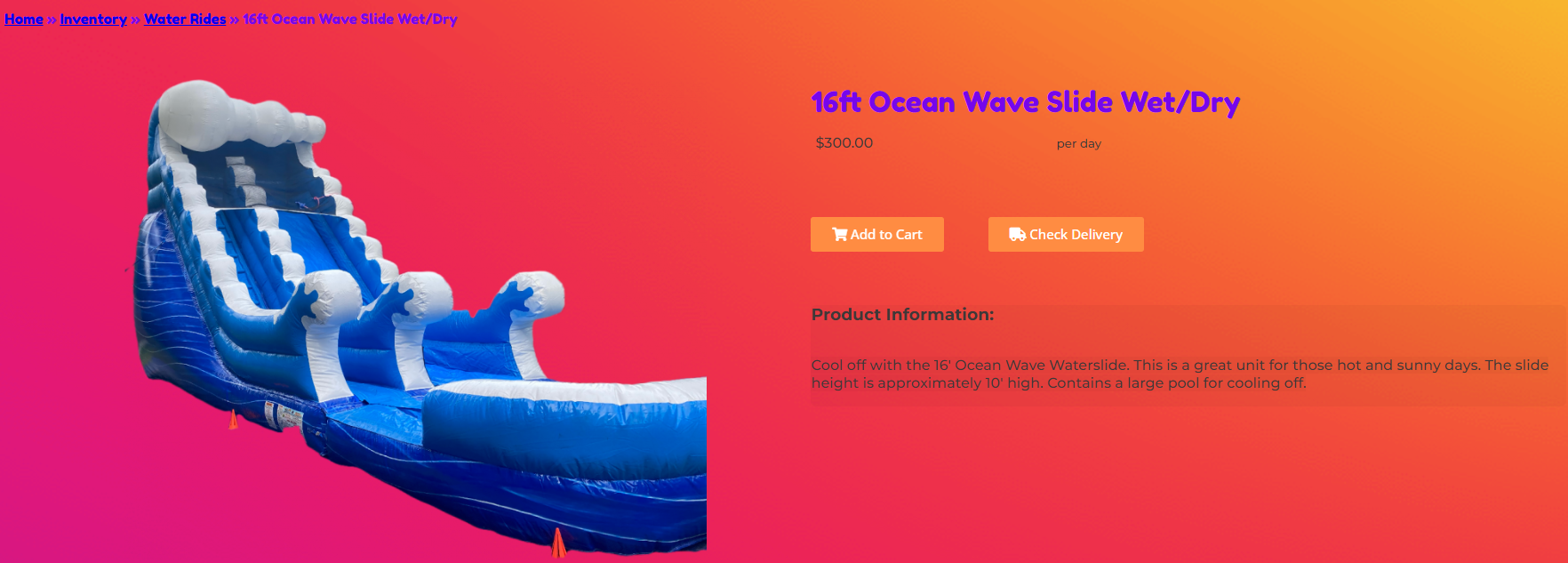
I have a 16' Waterslide that is showing in my inventory listing as active. It should be in the Water Rides category but it is not showing there but it is showing as a recommended item, When you click on the recommended item it shows as being in the Water Rides category. How can I get this item to show in the category. I updated the Recovery time yesterday and this issue arose but not on the other items that I updated.

Comments (1)

photo
1

I am not seeing this item in your inventory? I would add this item to your inventory and put it in the water ride category then it should show under that category on your website.

photo
1

I do have it in my inventory and it is active. I have done a force sync also.

photo
1

You added this inventory as a Manufacturer item. You will need to delete from there and add it as a regular inventory.

photo
1

This Inventory item has been on my site up till yesterday with the way that it was created last year. Why would I need to delete it out and re do it when the only thing that I changed was the recovery time to prevent back to back bookings? This isn't a new inventory item.

photo
1

I have created a duplicate but is there a way to combine the 2 as there are bookings for the item and I don't want it to be double booked?

photo
2

Use relationships.

photo
1

I'm going to have a developer take a look at this something doesn't seem quite right, as soon as I hear back I will let you know.

photo
1

Thank you Chad for the relationship information. It looks like the new item is utilizing the previous items bookings.

photo
1

This has been fixed! The relationship is fine.

photo
1

Looking at it again it has created an available amount of 2 for the slide but there is only 1. I have tried to change inventory amount of one or the other inventory items to 0 but it then turns the inventory to 0. How can I get it be just 1 available.

photo
1

Did you make the original inactive?

photo
1

To make the original inactive it says it can't have a relationship. So when I took the relationship out and make inactive I can't make a relationship. There is only a couple of rentals coming up so I think I will just adjust them/make new leads to cover those on the other item.

photo
1

Good morning, are you still having issues with the 16' Ocean Wave?

photo
1

I am still having an issue but I have come up with a workaround for the few rentals that were tied to the old inventory item. I should be all set unless something happens overnight lol

photo
1

Ok great please let us know if you need anything else.

photo
Leave a Comment
 
Attach a file
You can't vote. Please authorize!