


Our software has the option for you to purchase, subscribe, or get free add-ons to your account in many cases provided by your colleagues or other industry professionals. To find these go to the Add-Ons settings page and select the add-on you are interested in. If you want to submit your own add-on for people to purchase or use, you can.

Once you've selected the add-on, you will see more information about it and be given the option to make a one-time purchase, subscribe, or acquire it for free depending on how it is offered. You can see the owner of the add-on and information on how to use it once you've chosen it.
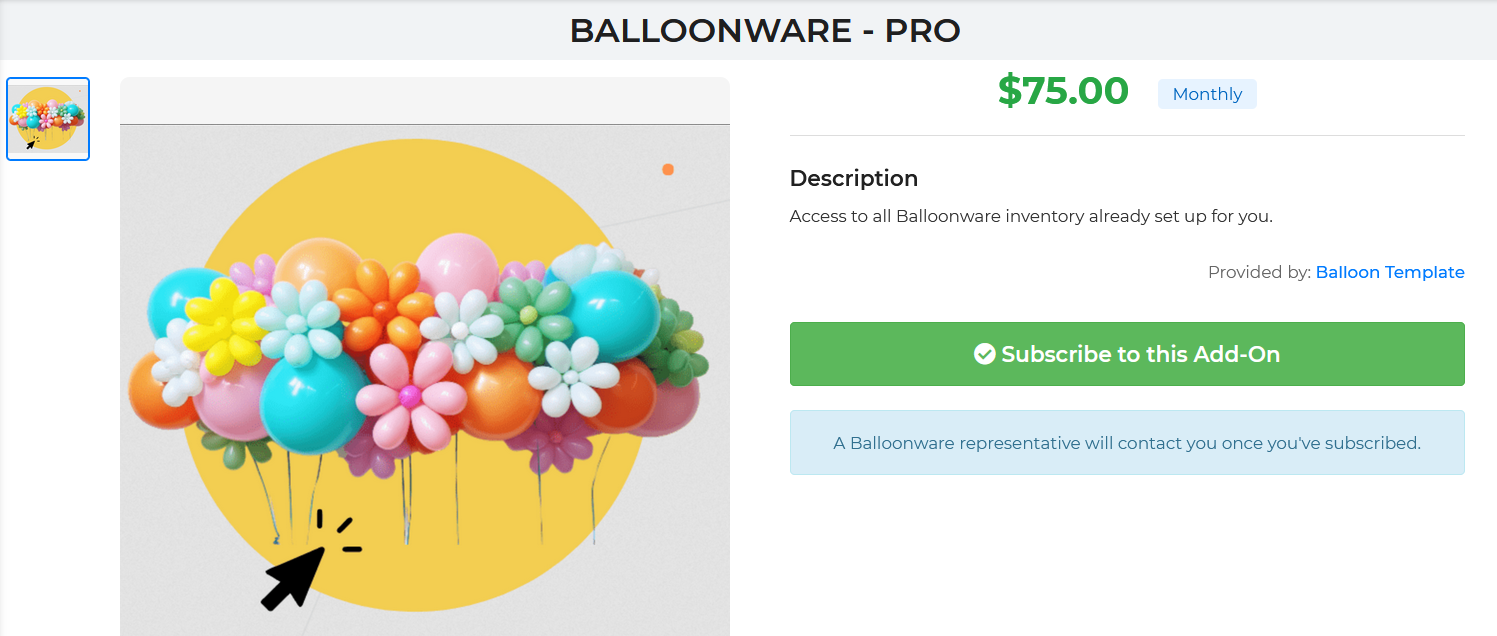
Billing for the add-on if it is not free will be immediate. If there is a subscription, you will see the billing occur according to the frequency based on when you first purchased it. All of these will be billed as separate charges to your card(s) on file. Once you subscribe you may also return to the add-on to unsubscribe if it is a subscription. There are no refunds on unused time for a subscription that you unsubscribe from.
To work with these add-ons and get the most out of them, you will need to contact the add-on owner. Our staff will consider any complaints you have, but these are entirely managed by the add-on owner. We have little to do with them other than approving them to be listed.