


Delivery Planner Confusing Mess?
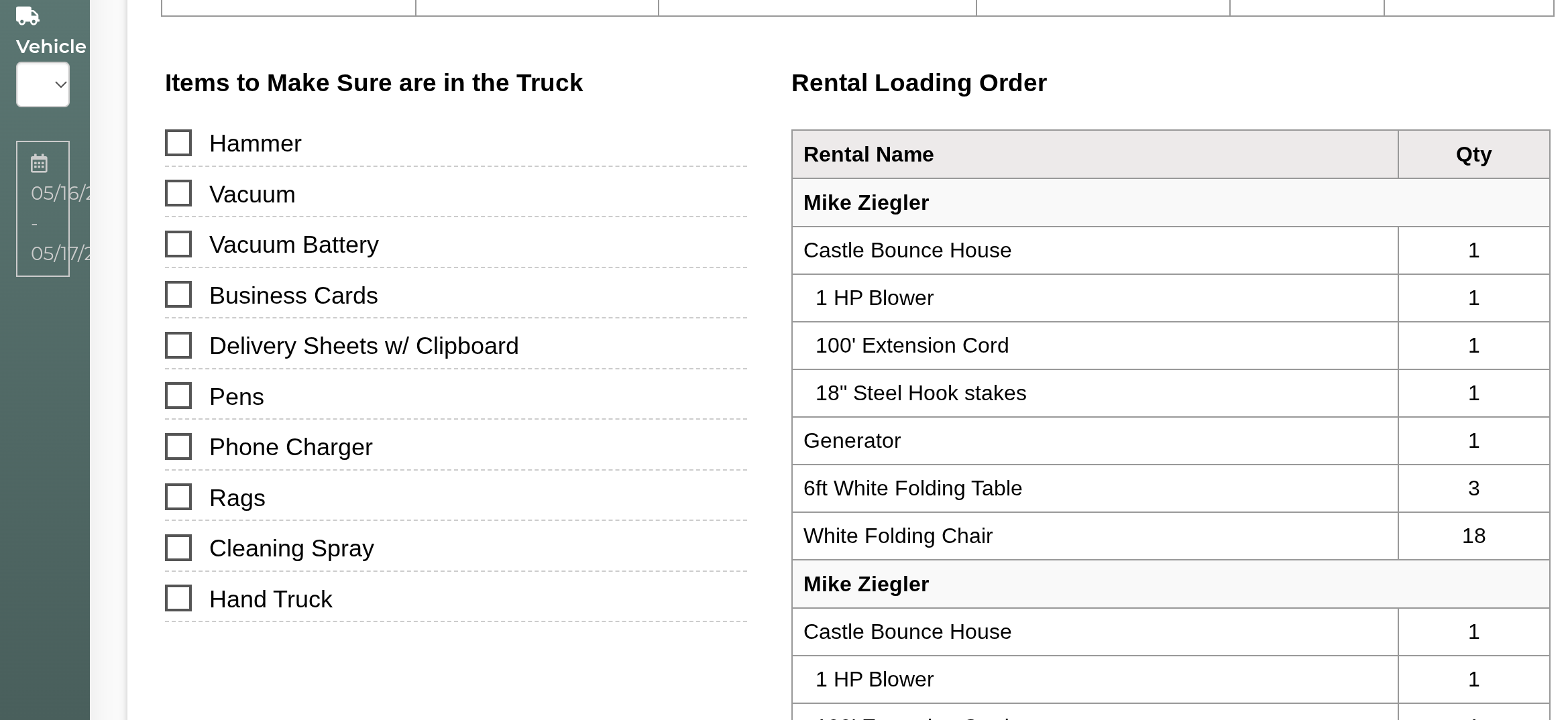
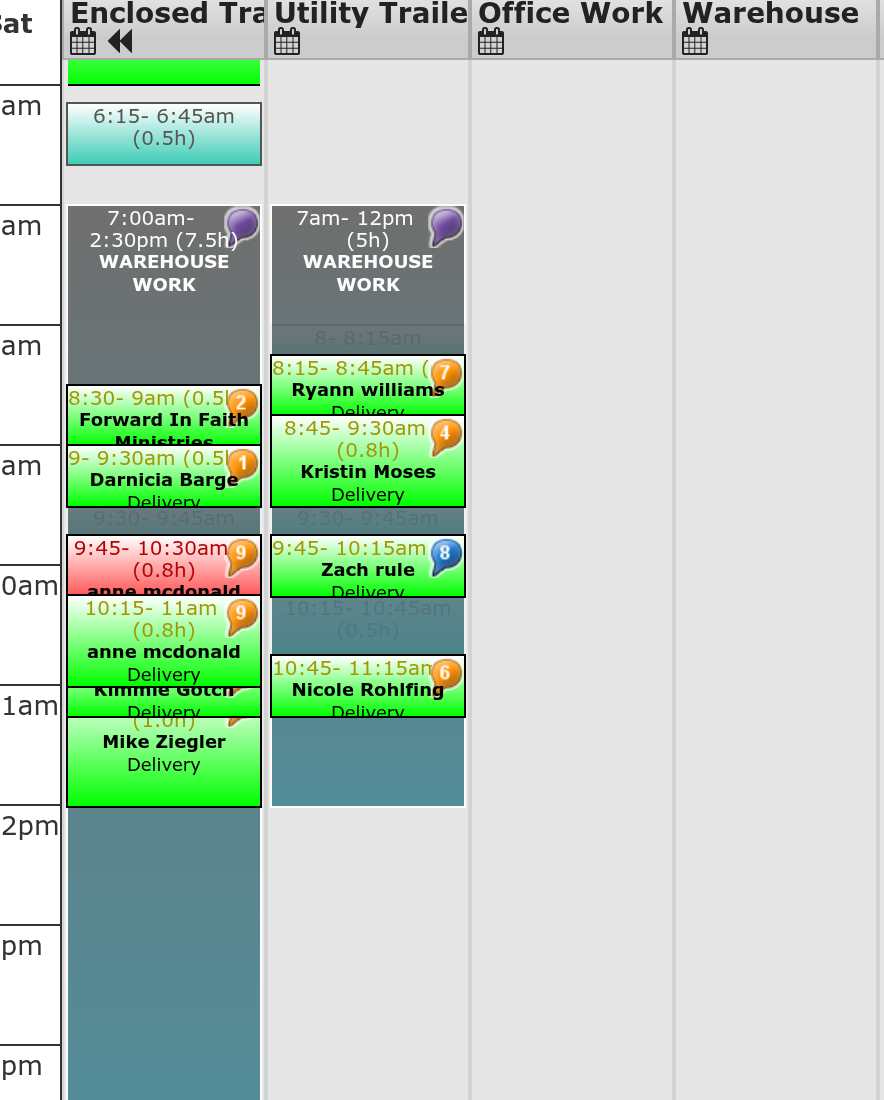
I am having an issue with the new delivery planner....or maybe the old. I was trying to exclusively use the new planner so that I feel comfortable with it before it gets phased out. However, I would go to print the packing list and it would have doubled up events, incorrect trucks and incorrect directions. Then I would put in shifts, go back and they had disappeared. I was like I guess this thing is too full of bugs so I'm going to go back the the legacy planner. I open the date and everything is all messed up on there, shifts are there but look strange, times are off, delivery and pickup swapped. I'm assuming this is what's messing with the new planner but I have honestly no idea. Any help would be greatly appreciated. It does this everytime I use the new planner.
 The same problem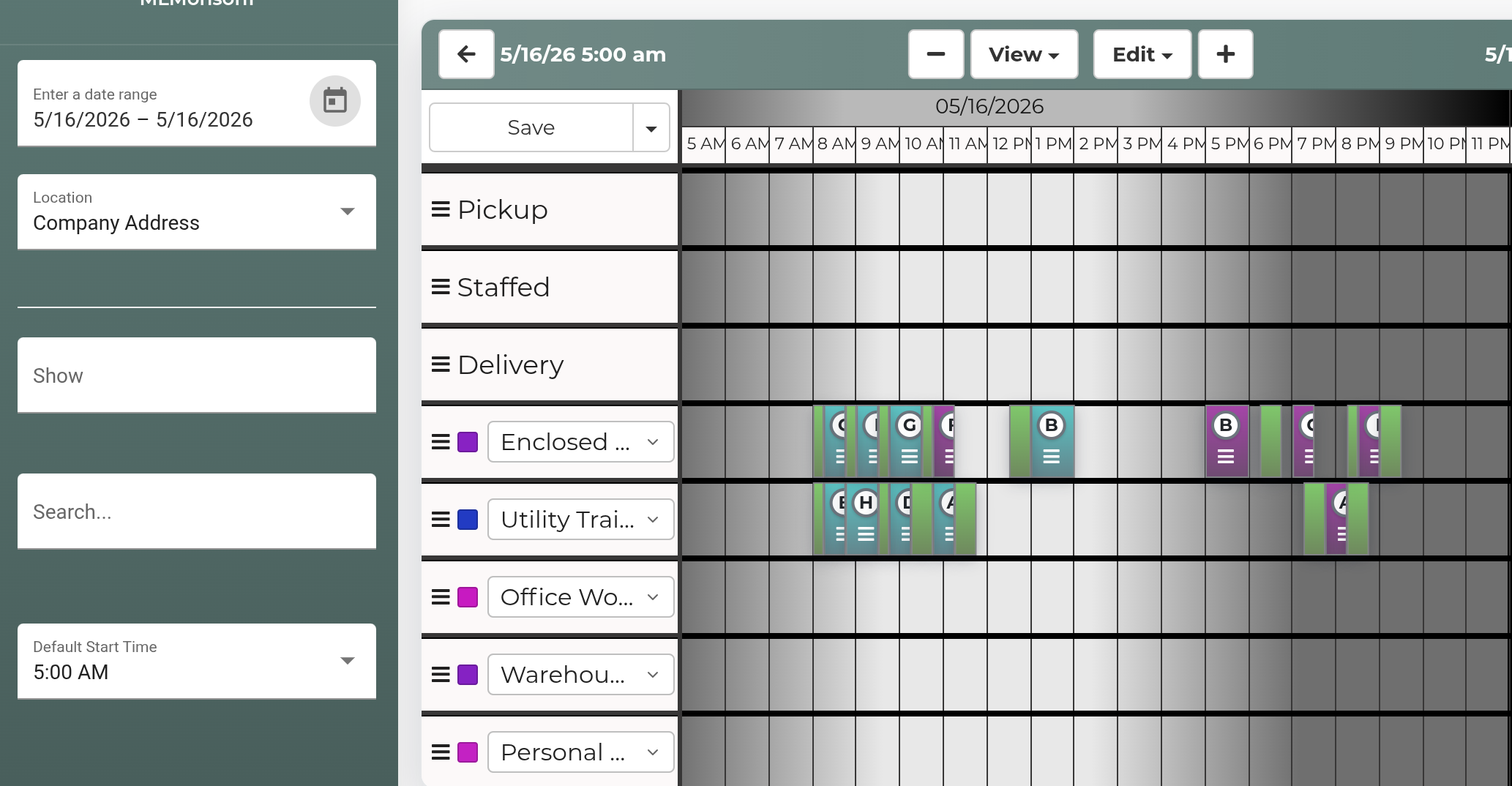
You would need to exclusively use one or the other....If you routed on one you would have to clear the day off completely and reroute it again on the planner you wanted to use.
When you are ready to use the new planner let us know and we can be sure it's working the way it should. Maybe we plan a meeting to go over. (Its hard to see from your screenshot what the issue was)
You would need to exclusively use one or the other....If you routed on one you would have to clear the day off completely and reroute it again on the planner you wanted to use.
When you are ready to use the new planner let us know and we can be sure it's working the way it should. Maybe we plan a meeting to go over. (Its hard to see from your screenshot what the issue was)
Replies have been locked on this page!