


Accidental damage
Answered
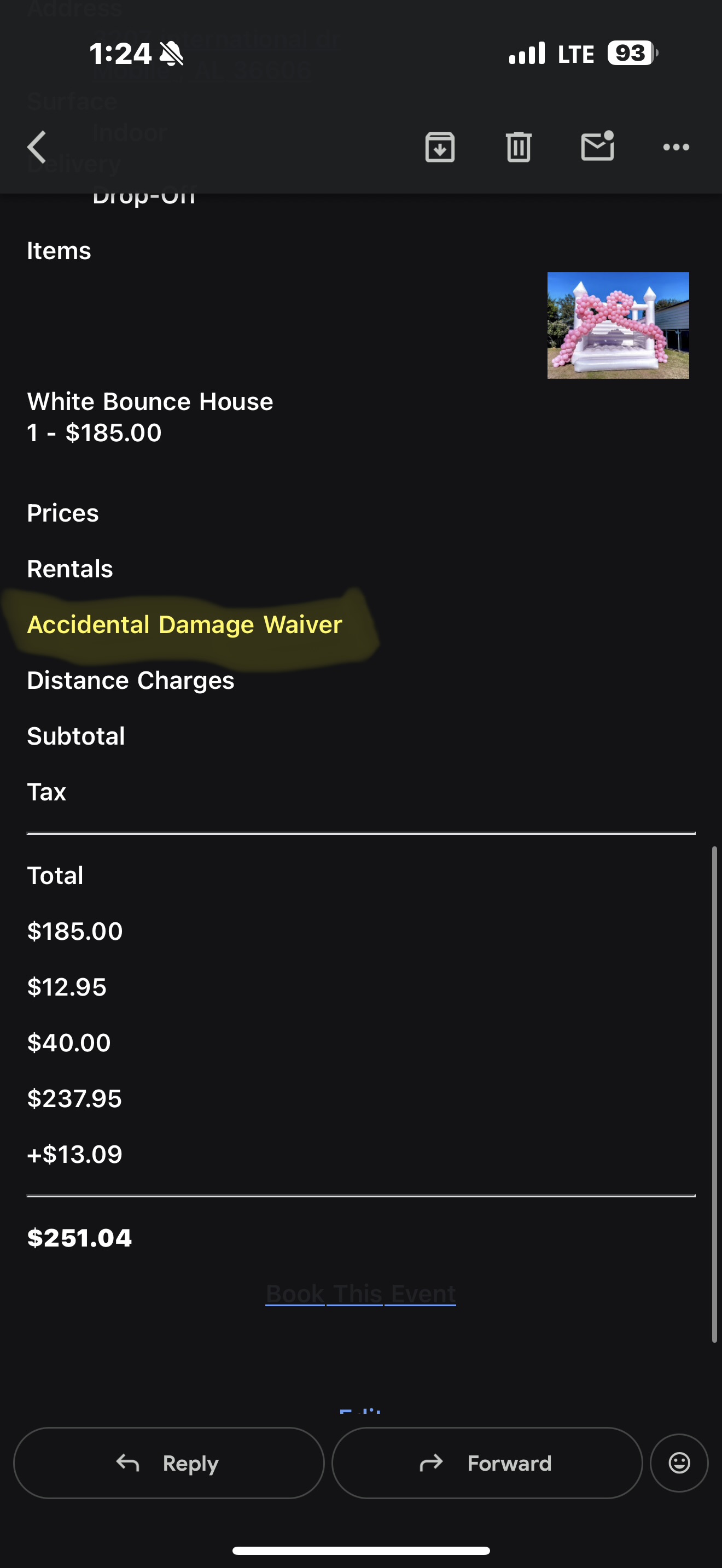
Can I have “(OPTIONAL)” after the accident damage waiver please? That way customers can see on their quote that it’s optional.
 The same question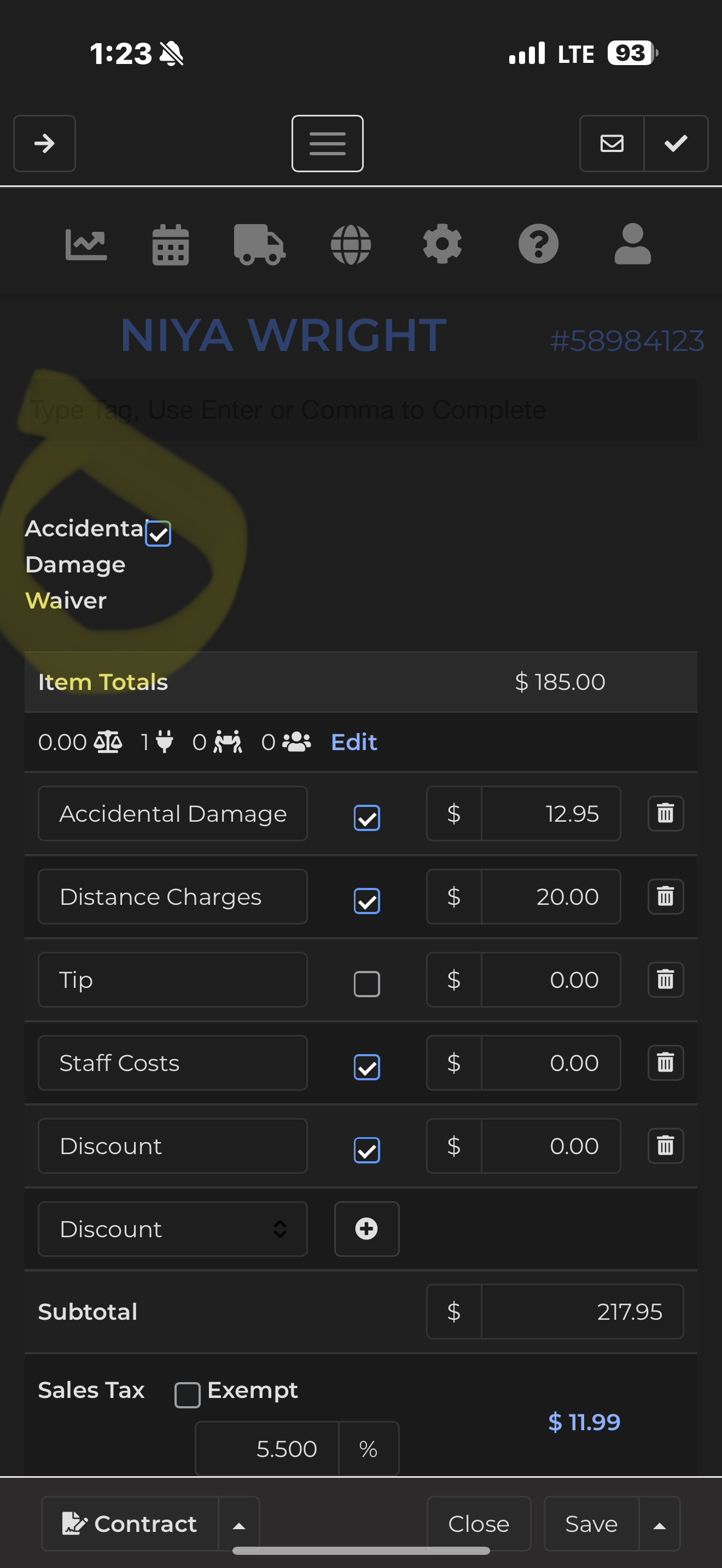
Access denied
Can I have “(OPTIONAL)” after the accident damage waiver please? That way customers can see on their quote that it’s optional.
Go to Document Center -> Pages -> WP Checkout
Click the Code View and CTRL+F and type in Accidental Damage Waiver and it should take you to the line. Just had (Optional) in behind it.
Copy and Paste the entire code view in a notepad incase you accidentally break it so you can put it back in the way it was if you do
Go to Document Center -> Pages -> WP Checkout
Click the Code View and CTRL+F and type in Accidental Damage Waiver and it should take you to the line. Just had (Optional) in behind it.
Copy and Paste the entire code view in a notepad incase you accidentally break it so you can put it back in the way it was if you do
This has been added.
This has been added.
Replies have been locked on this page!