


LaborDay20-Promotion Filter (Coupon Code) Pt.2
Answered
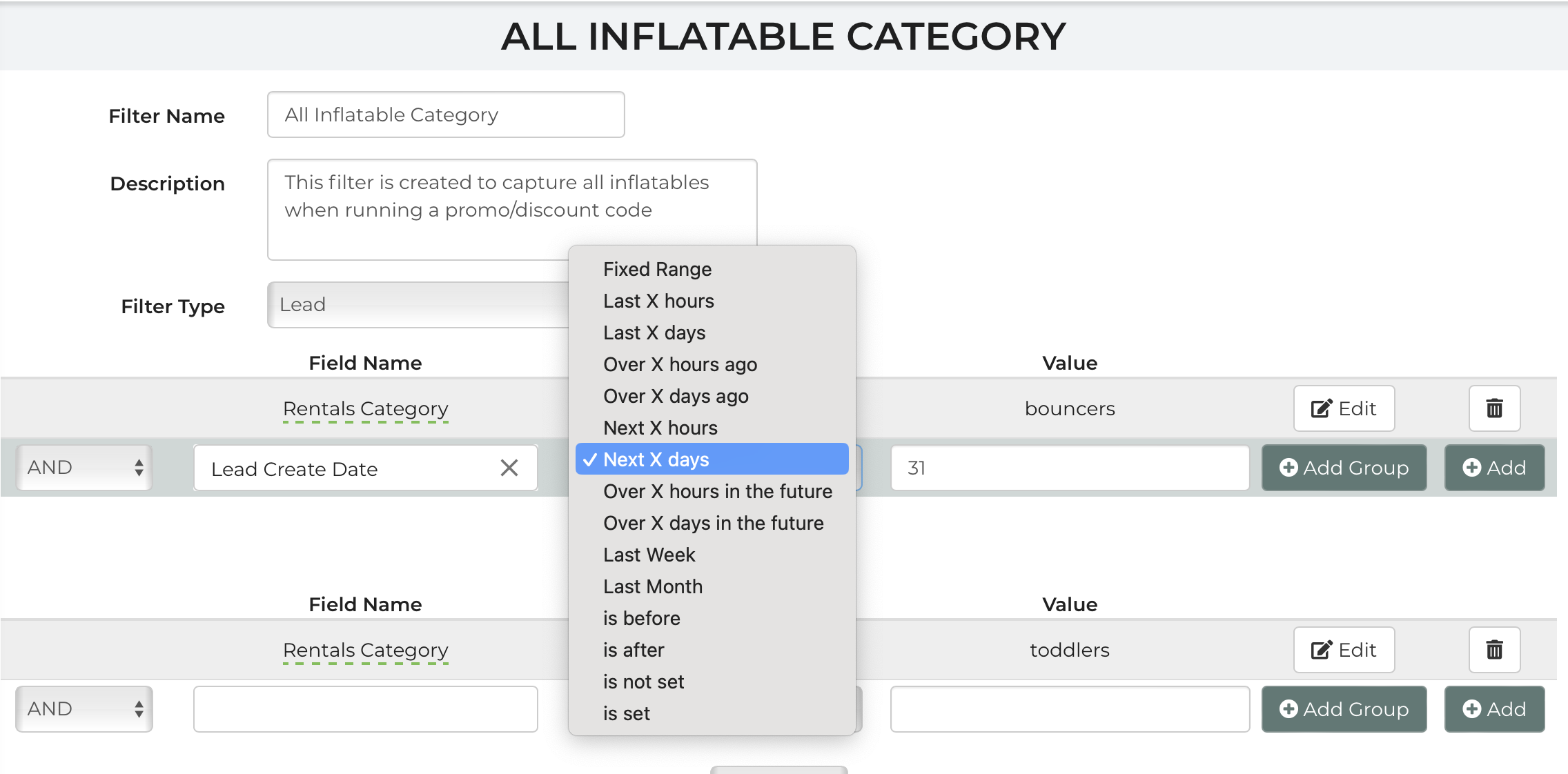
If I'm using filters, what should my filter look like to capture any LEADS from 9/2-9/30 for this promo to work properly? Should I be using a "LEAD Create date"? The promotion period should be from today until-9/30/24. The event period can be unlimited.
 The same question
You're filter should be lead event date is on the fixed range 9/2-9/30.
Or if it doesn't matter when their date is just that they booked during this time then use create date
You're filter should be lead event date is on the fixed range 9/2-9/30.
Or if it doesn't matter when their date is just that they booked during this time then use create date
If the event date period is unlimited, you would use create date->fixed range.
If the event date period is unlimited, you would use create date->fixed range.
Replies have been locked on this page!