


How do you permanently change order of vehicles on the "Delivery Planner"
Answered
How do you permanently change order of vehicles on the "Delivery Planner"? I have the trucks number but the 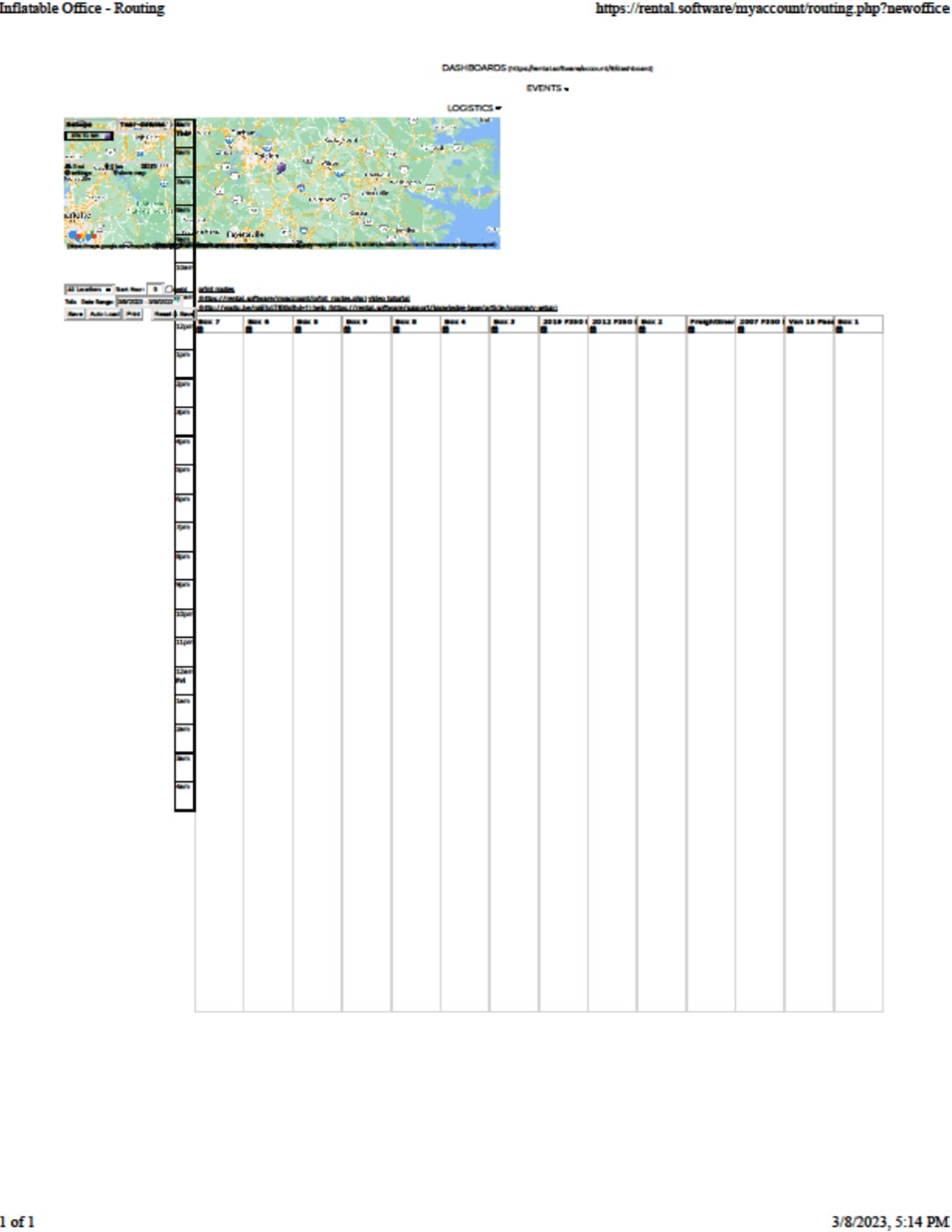
 The same question
 You can't vote. Please authorize!
Settings>vehicles. Should be able to do it there.
Settings>vehicles. Should be able to do it there.
Settings>vehicles. Use the arrows on the right to move the vehicles up and down. It saves automatically.
Settings>vehicles. Use the arrows on the right to move the vehicles up and down. It saves automatically.
That is correct. Settings -> Vehicles. You can also edit your vehicles in this section, too. Let us know if you need any assistance in removing any for you.
That is correct. Settings -> Vehicles. You can also edit your vehicles in this section, too. Let us know if you need any assistance in removing any for you.
Replies have been locked on this page!